Chat with anyone,
on any page.
Who's Here? turns every webpage into a live chat room. Visit any site and instantly connect with others there right now — anonymously, in real time.

Open a page.
Start talking.
No sign-up. No setup. Who's Here? is active the moment you install it.
Install the Extension
Add Who's Here? to Chrome in one click. It automatically appears as a floating bubble on every page you visit.
Visit Any Page
Navigate to any website — a news article, a product page, a Reddit thread, a YouTube video. The bubble is already there.
Click and Chat
Tap the bubble to open the chat panel. You're instantly in the room for that exact page. Anyone else visiting sees your messages in real time.
Share the Room
The room bar shows the full URL of the page. Copy it and send it to a friend — they enter it and join the same conversation from anywhere.
Everything you need.
Nothing you don't.
Lightweight, fast, and genuinely useful — not another cluttered toolbar.
Fully Anonymous
Auto-generated random username. No email, no account, no tracking. Just show up and talk.
Real-Time
Messages appear instantly. The online counter updates live. See exactly who's on the same page as you right now.
Live Leaderboard
Discover the most active pages on the internet at any moment. Jump into a busy room with one click.
Whisper Mode
Send a message that automatically disappears after 60 seconds. Perfect for time-sensitive commentary.
Direct Messages
Tap DM on any message to open a private one-on-one conversation with another user in the room.
Custom Skins
7 skins to choose from — Default, Minimal, Ocean, Ember, Forest, Midnight, and Rose. Two free, five at $0.99 each.
Brightness Control
Slide from dark to light to match any site. Exclusive to Super Users.
Private Rooms
Password-protected rooms with welcome messages, pinned announcements, and ban controls. Super User feature.
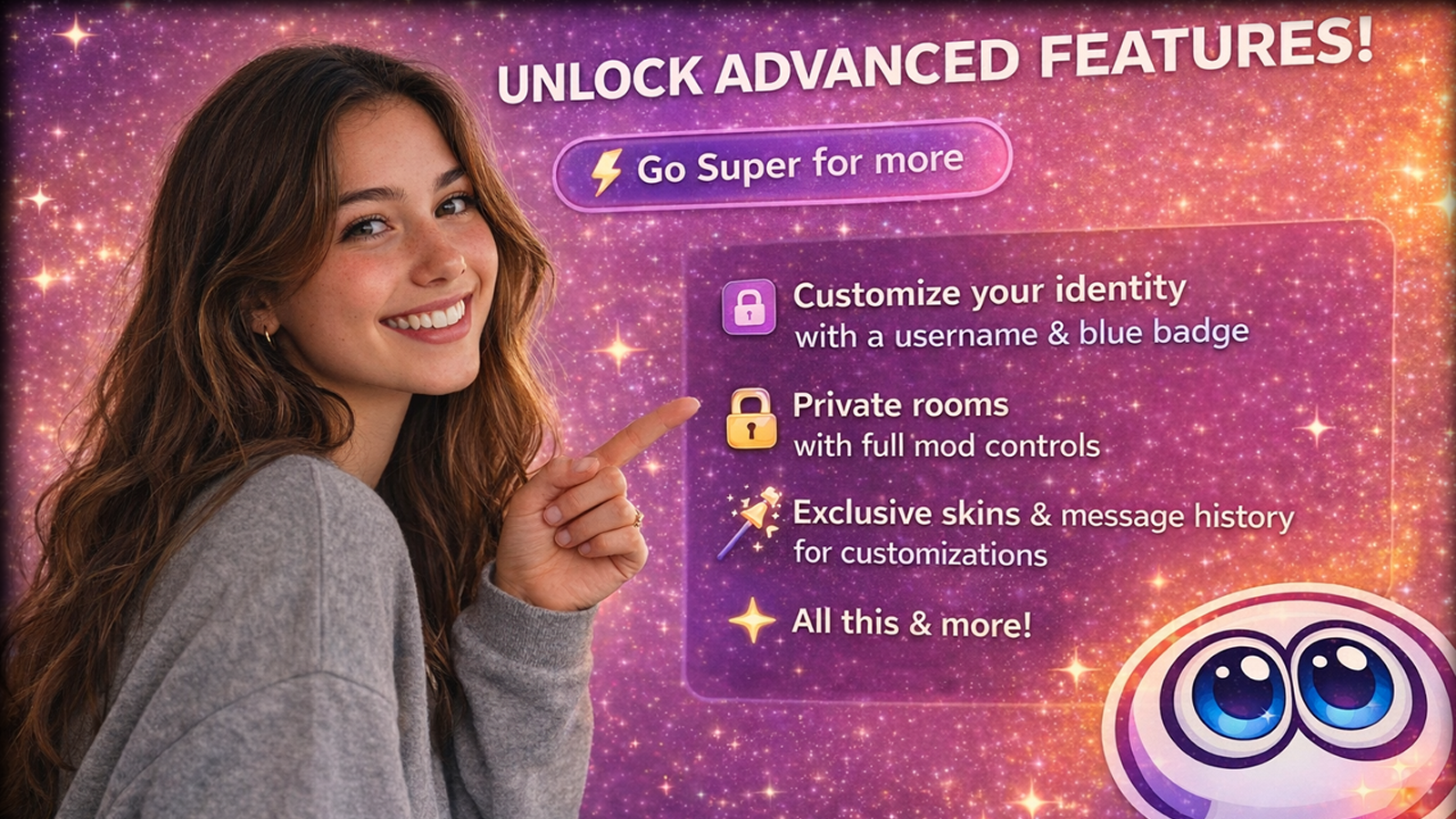
Unlock the full experience.
Identity, control, and exclusive customisation — for less than a coffee a month.
Manage or cancel anytime from the Settings tab in the extension.
Sign into Chrome before purchasing
Who's Here? uses your Chrome Google account to save your purchases across devices and reinstalls. Before clicking any purchase button, make sure you are signed into Chrome itself — not just Google.com.
Click the profile icon in the top-right corner of Chrome and confirm your Google account name is shown. If it says "Sign in", do that first. Your name and email are never accessed or stored — we only use an anonymous cryptographic identifier.
See it for yourself.
Who's Here? lives quietly in the corner until you need it.
Active chat with messages
Skin selector, brightness slider
Leaderboard with ranked rooms
We don't want your data.
Who's Here? was designed to collect as little as possible.
No Account Required
Free users are completely anonymous. No email, no sign-up, no profile.
No Ads, Ever
We don't run ads, sell data, or share your information with third parties.
Bank Sites Blocked
The extension automatically disables itself on banking, financial, health, and email sites.
Hashed Identity Only
Purchases use a one-way cryptographic hash. Your name and email are never seen by us.
Local Storage Only
Your preferences stay on your device in chrome.storage.local. Never transmitted.
URLs Stripped
Query strings and session tokens are removed from room keys. Never stored.
Policies & Terms
Read our full policies before using Who's Here?